You can't answer the phone with your hands on a client's back. A massage or spa booking happens in the quiet moments between treatments — or it doesn't happen at all, because the call went to voicemail and the client booked somewhere else. A booking bot takes the appointment for you, in the chat apps your clients already use, and drops it straight into your calendar. Here's how to set it up for a solo massage practice or a full spa.
Why chat booking suits massage & spa
During a treatment your phone is off-limits — and that's exactly when clients think to book. In chat they don't need you free: they pick the treatment, pick a time, and it's done — at 10pm, on a Sunday, between your sessions. No voicemail, no phone tag, no booking lost to the salon down the road. And the calm, unhurried feel of a chat flow fits the experience you're selling.
Map your spa in three pieces
RentABot describes your menu the way you'd explain it to a client:
- Treatments → Booking Types. Swedish massage, deep tissue, hot stone, aromatherapy facial, body wrap, couples massage — each with its own length (60, 90 or 120 minutes) and price. A 90-minute treatment blocks exactly 90 minutes; a 60-minute one only takes an hour.
- Therapists & rooms → Resources. This is where spas win. Each therapist is a resource, and each treatment room is one too. The bot never books two treatments into the same room, or the same therapist twice — so every slot it offers is physically possible.
- Opening hours → Availability. Set your days and hours, plus the buffers you need for cleaning and turnover between clients, and the bot only ever offers slots you can genuinely take.
New to the setup? The getting-started guide walks through services, resources and the calendar.
Handle couples, packages and add-ons
A couples massage needs two therapists and a couples room at the same time — make it its own booking type and the bot holds all of it together. Selling a spa day or a treatment package? Give it a longer booking type with the full price and the right duration. Offer upgrades like aromatherapy or extra time? Note them in the booking type so clients choose up front and the slot blocks the correct length. For a closely related angle, see the therapists & wellness guide.
Protect your rooms from no-shows
An empty treatment room is pure lost revenue — the therapist's time is still paid, the slot can't be resold at the last minute, and a 90-minute no-show is a big hole in the day. RentABot sends automatic reminders before each appointment, and clients can confirm or cancel with one tap, giving you time to fill the space. For higher-value treatments you can state your deposit or cancellation policy right in the booking chat so it's clear up front. (RentABot handles the booking and reminders; you collect any deposit your usual way.) More in how to reduce no-shows.
One calendar for your whole spa
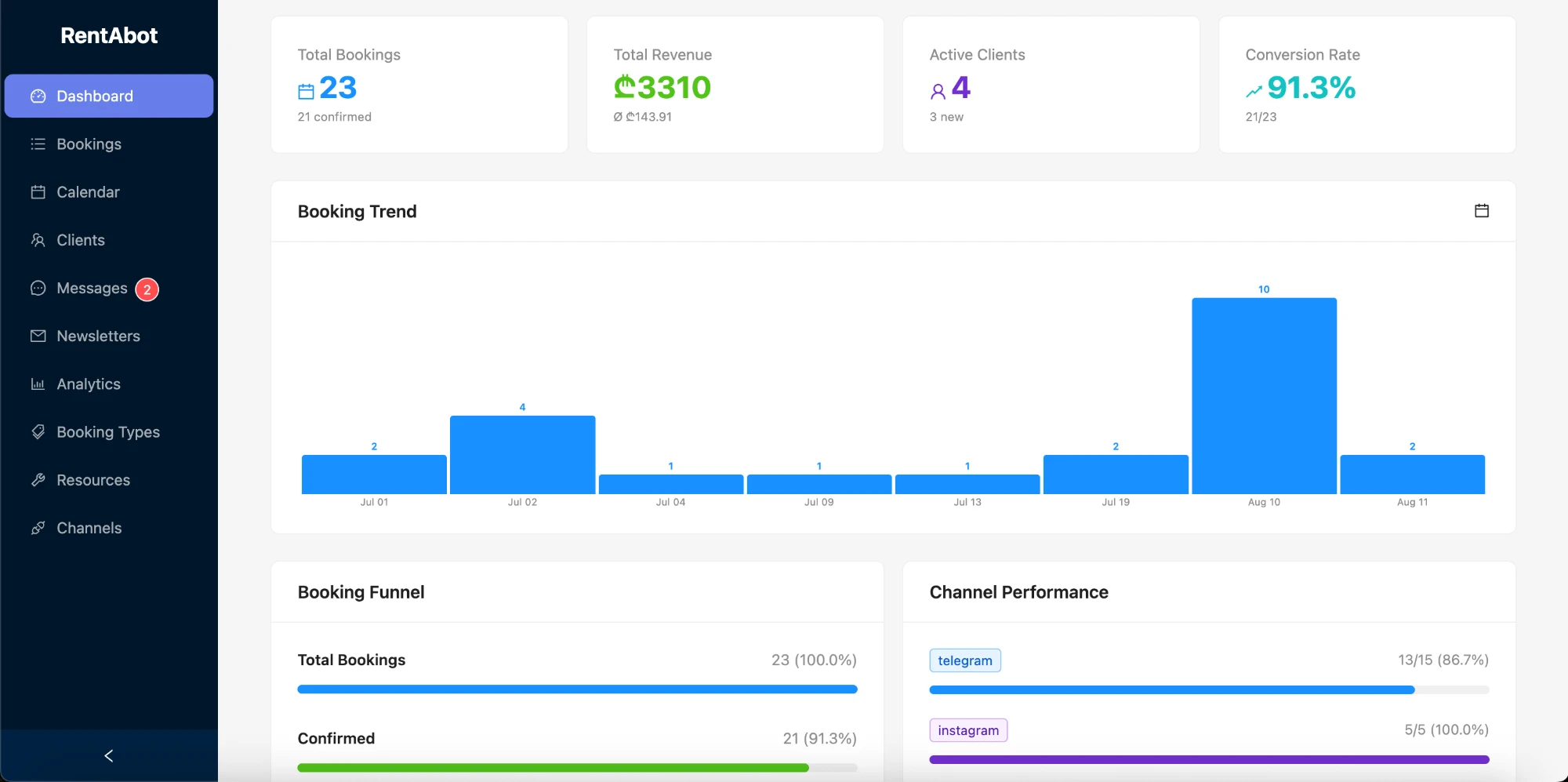
Connect Google Calendar and every treatment appears there automatically, across all your therapists and rooms. Block a therapist's day off, a deep-clean morning or a holiday, and the bot stops offering it. Move or cancel an appointment in your calendar and the booking updates — with the client notified. Here's how the two-way sync works.
Be bookable where clients relax
Put your booking link in your Instagram bio and Stories, turn on the message button on your Facebook Page, add a WhatsApp link to your website and Google profile. Every "do you have anything this weekend?" becomes a booked treatment instead of a missed call. Connect Instagram, WhatsApp, Facebook Messenger and Telegram — clients book wherever they find you, and it all lands in one calendar.
Ready to fill your rooms and stop missing calls? Start free and set your spa up in an afternoon. Want the big picture first? The overview guide covers all four channels.
Comments 2