Therapy and wellness work lives and dies by the calendar. Your income is your hours, a 60- or 90-minute slot is a big chunk of the day, and a single no-show leaves a hole you can't easily fill. On top of that, booking often means phone tag during sessions, or clients who'd rather not call at all for something personal. Letting clients book themselves — quietly, in a chat app — solves all of that. Here's how to set it up.
Why chat booking suits therapy & wellness
Booking a massage, a physio appointment or a counselling session is personal, and not everyone wants to make a phone call for it — especially for sensitive or first-time visits. In a chat, a client can book calmly in their own time, without explaining themselves to a receptionist. And because it's the app they already use, they'll actually see the confirmation and the reminder. It's low-pressure for them and hands-free for you.

Map your practice in three pieces
RentABot describes your practice the way you already think about it:
- Session types → Booking Types. An initial consultation, a 60-minute massage, a 90-minute deep-tissue, a physio follow-up, a counselling hour — each with its own length and price. The right amount of time is reserved automatically, with room for notes or turnaround between clients.
- You (or each practitioner) → Resources. Solo practice? You're the single resource and your day fills cleanly. A clinic with several therapists? Each is their own resource, and clients can book with the practitioner they want to see.
- Working hours → Availability. Set your days, hours and breaks, and the bot only ever offers slots you're genuinely free — protecting your gaps between sessions.
New to the setup? The getting-started guide walks through services, resources and the calendar.
What booking looks like for your client
It's a short, calm chat: choose the session, choose a practitioner if there are several, pick from the free times, confirm with a name and number. They get an instant confirmation, and the appointment lands in your calendar with the details. No waiting on hold, no missed calls, no awkward back-and-forth.
Fewer no-shows on a schedule you can't afford to lose
When each slot is an hour of your day, no-shows are expensive. RentABot sends automatic reminders before the appointment, and clients can confirm or cancel with one tap — in time for you to offer the slot to someone else. A gentle reminder the day before, in an app they actually open, keeps your calendar honest. (More in how to reduce no-shows.)
One calendar for your whole week
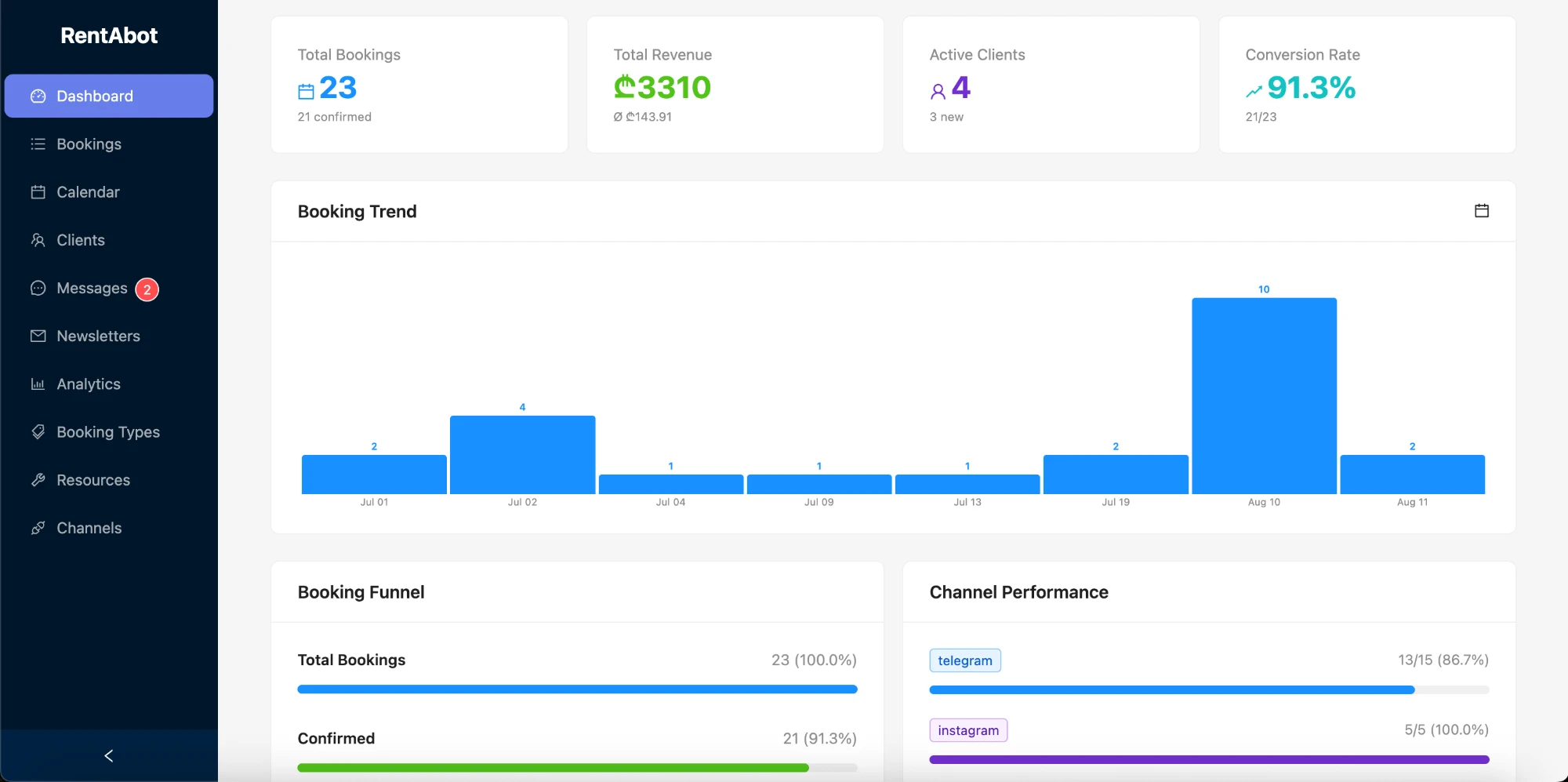
Connect Google Calendar and every session appears there automatically. Block time for your own breaks, admin, supervision or a day off, and the bot stops offering it — so work never creeps into the time you set aside. Change something in your calendar and the booking updates, with the client notified. Here's how the two-way sync works.
Meet clients where they already are
Put a booking link in your Instagram bio, turn on the message button on your Facebook Page, add a WhatsApp link to your site and posts. A client who's been meaning to book can do it the moment they think of it, instead of waiting until they can call. Connect Telegram, Instagram, Facebook Messenger and WhatsApp — clients book wherever they already are, and it all flows into one calendar.
Ready to protect your calendar and make booking effortless? Start free and set your practice up in an afternoon. Want the big picture first? The overview guide covers all four channels.
Comments 2