Permanent makeup clients don't book on impulse. They study your healed results on Instagram, then message you with questions: "how much are powder brows?", "can I come for a consultation first?", "do you have anything in March?". Meanwhile you're three hours into a procedure and can't reply. A booking bot handles the scheduling part of those conversations in Instagram, WhatsApp, Messenger or Telegram — consultations, procedures and touch-ups land in your calendar with the right length — and you answer the questions that need an expert. Here's how to set it up as a PMU or microblading artist.
Why chat booking suits PMU artists
Your work is high-value and long: one procedure can fill half a day, so every lost booking hurts. Clients find you through Instagram, so that's where they should book — pick the service, see real free times, confirm — at any hour, even while you're working. You stop trading dates by hand, and the questions that really need you get answered faster because the routine scheduling is gone.
Map the PMU journey in booking types
Permanent makeup isn't one appointment, it's a sequence. Give each step its own booking type with its own length and price, so the bot always blocks the right time:
- Consultation — 20–30 minutes, often free: shape and colour, expectations, and your health questions.
- Procedures — microblading, powder (ombré) brows, combo brows, lip blush, lash line enhancement — two to three hours each, each with its own price.
- Touch-up — the perfecting session 6–8 weeks later, usually shorter, plus a colour refresh for returning clients.
Add a photo of healed results to each service: when a client picks it, the bot shows the photo with the description, price and duration before they choose a time. Working with a second artist? Each of you is a resource with your own schedule. New to the setup? Start with the getting-started guide; if you also do lash and brow services, see the guide for lash & brow artists.
Book the touch-up before the client leaves
The touch-up is where many PMU artists lose clients: weeks pass, the client forgets, and the result stays unfinished. Settle it at the end of the procedure — open the client's chat and use Book for Client to set the touch-up 6–8 weeks ahead, or let them pick a date in the same conversation. For the yearly colour refresh, the client list shows each client's last booking, so you can see who's due — then a seasonal newsletter with a "Book now" button brings them back.
Protect three-hour slots from no-shows
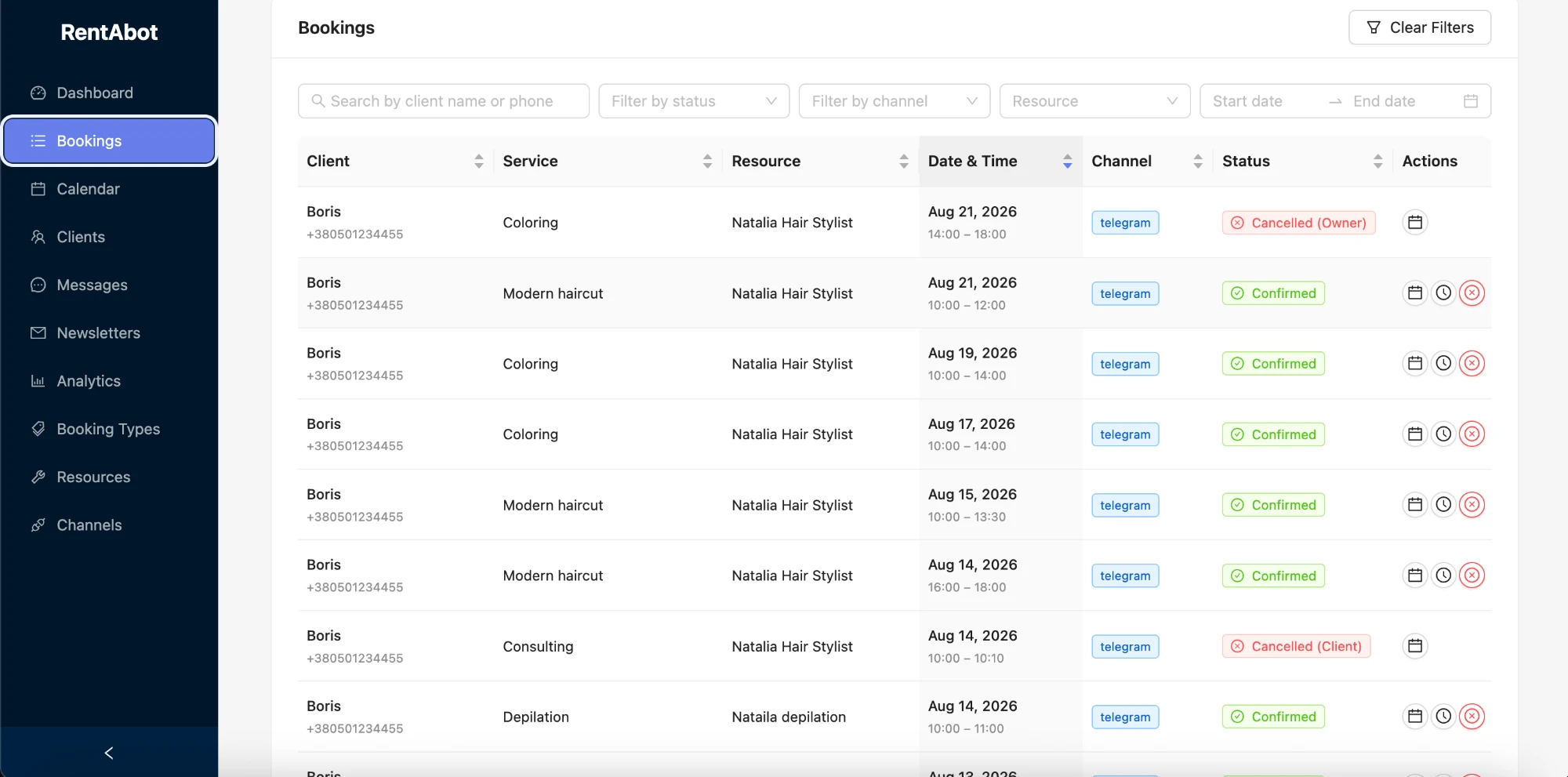
A missed procedure is half a day of income gone. RentABot sends automatic reminders the day before and again two hours before each appointment, and clients can confirm or cancel in one tap — giving you time to fill the slot. The client list also shows a reliability score for each client — how many bookings they completed, cancelled or missed — so you know who should pay a deposit before a long procedure. State your deposit policy in the booking chat; RentABot handles booking and reminders, and you collect deposits your usual way. Put pre-care rules in the service description, and ask health questions personally at the consultation. More in how to reduce no-shows.
One calendar for procedures, trainings and life
Connect Google Calendar and every consultation, procedure and touch-up appears there automatically — and the trainings, conferences and days off you block in Google stop the bot offering those times. Move an appointment in your calendar and the booking updates, with the client notified. Here's how the two-way sync works.
Let healed results sell — and the chat book
Put your booking link in your Instagram bio and in a "Healed results" highlight, so people who've just seen your work can book a consultation in two taps. Connect Instagram, WhatsApp, Facebook Messenger and Telegram — clients book wherever they message you, and it all lands in one calendar. Setting up Instagram first? Follow the Instagram booking guide.
Ready to stop scheduling procedures by hand? Start free and set up your services in an afternoon. Want the big picture first? The overview guide covers all four channels.
Comments
No comments yet. Be the first to share your thoughts or ask a question.