The short answer: if your clients already message you to book, pick a tool that books inside the chat, like RentABot. If you want a booking page and take card payments, look at Setmore or Square Appointments. For one-to-one meetings, Calendly or Google Calendar is enough. Below is what each free plan really includes and where the catch is. We make RentABot, so we've listed its catch too.
What "free" should really mean
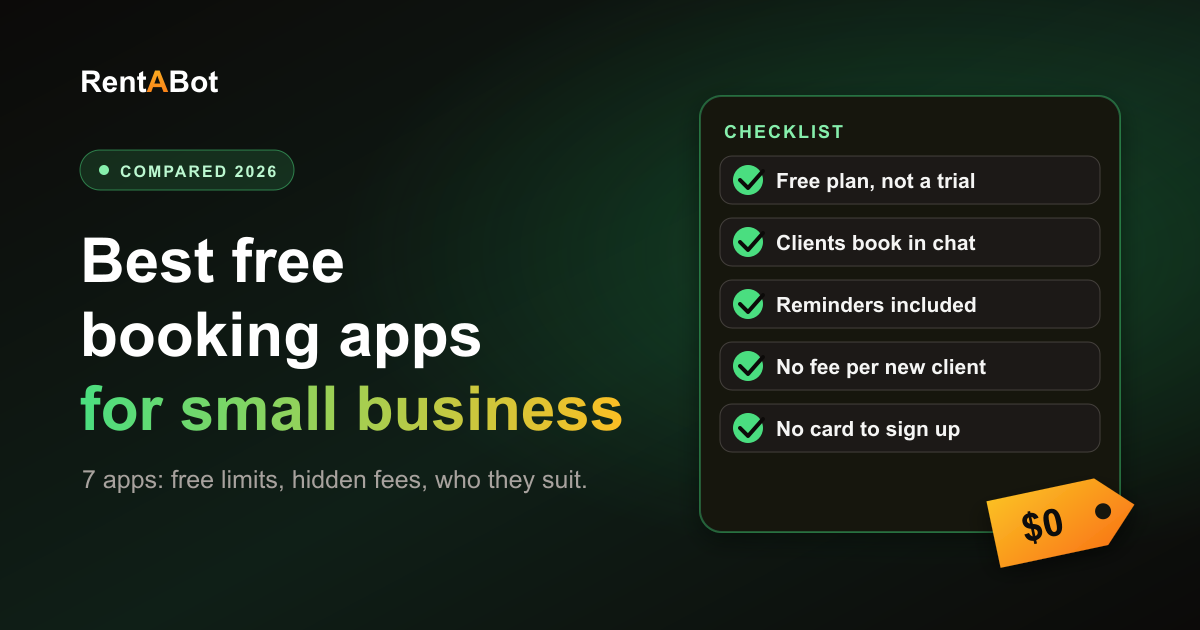
Many "free" booking apps are a trial in disguise or a free plan with the useful parts removed. Before you sign up, check five things:
- Is it a plan or a trial? A trial ends after 7 or 14 days. A free plan has no end date.
- Where do clients book? On a booking page, in a marketplace app, or in the chat where they already talk to you.
- Are reminders included? Reminders are what cut no-shows, and some free plans leave them out.
- What are the limits? Bookings a month, number of staff and number of services.
- What does it cost per booking? Card fees, fees for new clients and paid text messages can add up.
The free plans, one by one
We checked each provider's own pricing page in November 2026. Plans change often, so check again before you sign up.
Calendly
Free: one event type, one connected calendar and a booking page. The catch: automated reminders, payments and removing Calendly branding are on paid plans, which start at $10 per seat a month. Best for: consultants and coaches who book calls rather than treatments.
Google Calendar appointment schedules
Free: anyone with a personal Google account can create a booking page in Google Calendar, with email reminders. The catch: it's built for meetings, not for a service menu or a team, and some features need a paid Google Workspace or Google One plan. Best for: solo professionals who already live in Google Calendar.
Setmore
Free: up to 4 users, unlimited appointments, a booking page and payments. The catch: one email reminder per booking and no text reminders on the free plan. Paid plans start at about $5 per user a month, billed yearly. Best for: small teams who want a booking page at no cost.
SimplyBook.me
Free: a booking website and widget, email reminders, 50 bookings a month and one provider. The catch: 50 bookings go quickly, and the cheapest paid plan is €11.90 a month, billed yearly. Best for: a solo business that's just starting and wants lots of settings.
Square Appointments
Free: a booking site, appointment reminders and staff calendars for one location. The catch: you pay card processing fees on every payment, and features like no-show fees and a waitlist are on the paid Plus plan. Best for: businesses that take card payments and want booking and checkout in one place.
Fresha
Free: no longer. Fresha now offers a 7-day trial, then a monthly price per bookable team member. The catch: on top of that, new clients who find you through the Fresha marketplace trigger a one-time fee, and text or WhatsApp messages beyond a small monthly allowance are charged. Best for: salons that want to be found in a marketplace and accept the fees.
RentABot
Free: a free plan with no end date and no card needed. Clients book inside Telegram, WhatsApp, Instagram or Messenger, and you get automatic reminders, two-way Google Calendar sync and one inbox for all chats. At the time of writing, the free plan covers up to 10 services, 3 team members or rooms and 199 bookings a month. The catch: there's no booking page or website widget, because booking happens in the chat. There are no online payments or deposits, and WhatsApp needs a Meta Business account, with Meta charging for some messages. Best for: salons, beauty pros, trainers and tutors whose clients already message them. Here's what the free plan includes.
The hidden costs of "free"
- Card processing fees. Tools that take payments charge a percentage of each one, even on a free plan.
- New-client fees. Marketplaces can charge you for clients they send, even if those clients would have found you anyway.
- Message fees. Text reminders often cost extra. On WhatsApp, Meta charges for some business messages: see Telegram vs WhatsApp for bookings. Telegram bot messages are free.
- Missing reminders. A free plan without reminders costs you in no-shows. Here's how reminders reduce no-shows.
- Your time. If clients still message you and you copy the booking into the app by hand, the app is free but you're not.
Booking page or booking in chat?
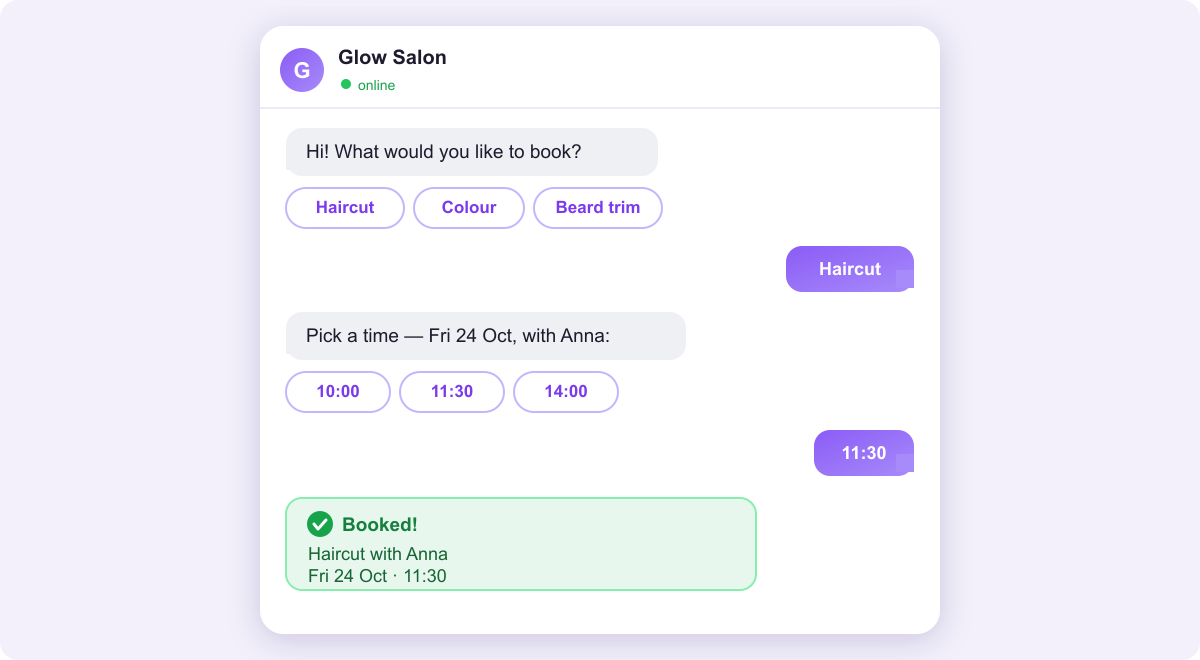
This is the bigger choice. Most apps above give you a booking page: a link the client opens, a form to fill in, sometimes an account to create. That works when clients find you on Google or your website. But if they find you on Instagram and message you "are you free on Friday?", a booking page is one more step, and some of them never take it. A booking bot answers in the same chat, shows real free times and confirms the booking there. Here's the full comparison: booking in chat vs a booking page.
Which one should you choose?
- Clients message you to book: RentABot, so the chat itself takes the booking.
- You want a booking page for a small team: Setmore, or SimplyBook.me if you're solo and under 50 bookings a month.
- You take card payments at the appointment: Square Appointments.
- You book calls and meetings: Calendly or Google Calendar.
- You want marketplace exposure and accept the fees: Fresha.
You can also combine them: keep a booking page for Google and let a bot handle the chats. Just make sure everything ends up in one calendar, so nobody gets double-booked.
Try it before you commit
The best test is a real week of bookings. With RentABot you can set up a Telegram bot in about 10 minutes with the Telegram setup guide, add your services and share the link: here's where to put your booking link so clients use it. Running a salon? See online booking for salons and barbershops.
Start free: no card and no trial clock, and your account stays on the free plan for as long as you like.
Comments
No comments yet. Be the first to share your thoughts or ask a question.