A booking bot only works if clients can find it. Many businesses set one up, share the link once and then wonder why bookings still come in by phone. The fix is simple: put the link everywhere clients already look for you. Here's where, and how to make each link work.
Your booking link is just a chat link
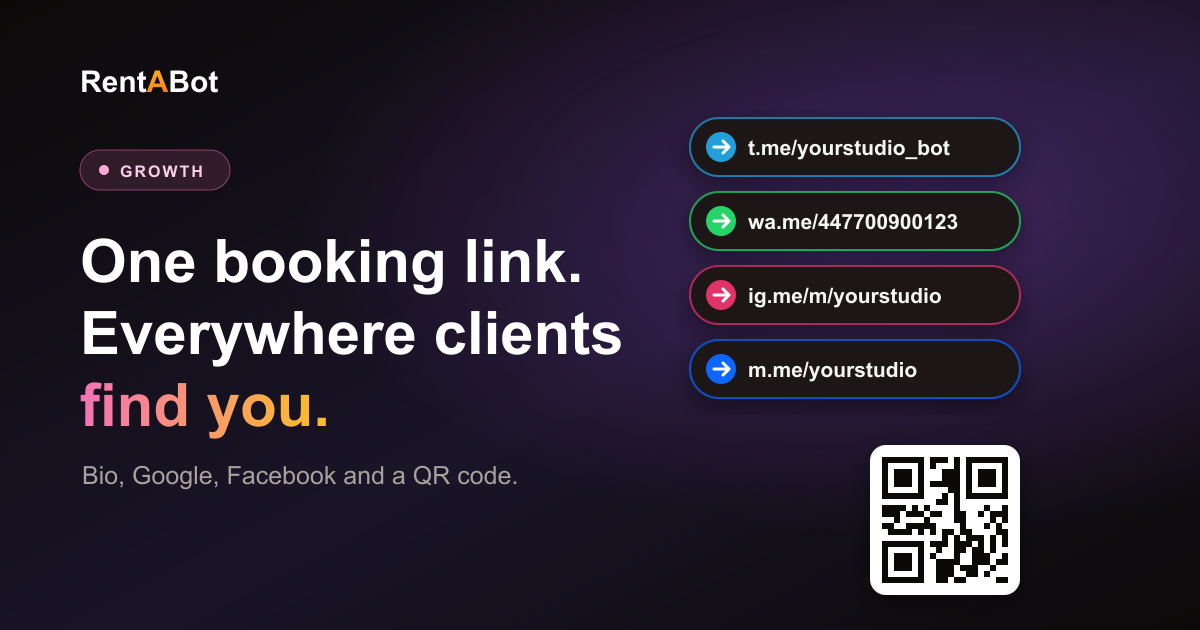
With a chat booking bot you don't need a website or a booking page. Your link is the link to the chat, and the bot answers anyone who opens it:
- Telegram: t.me/yourbot. The client taps Start and the bot shows its menu. Here's how to set up a Telegram bot.
- WhatsApp: wa.me/ followed by your number in international format, digits only, with no + or spaces, for example wa.me/447700900123. See the WhatsApp guide.
- Instagram: ig.me/m/yourusername opens a DM. In a new chat, clients see Book Appointment and My Bookings buttons. See the Instagram guide.
- Messenger: m.me/yourpage opens a chat with your Facebook Page, with a Get Started button and the same shortcuts. See the Messenger guide.
A tip for WhatsApp: add a pre-filled message so clients only have to tap Send. Put ?text= and the message after your number, with %20 for each space: wa.me/447700900123?text=I%20want%20to%20book. A message with the word "book" in it starts the booking flow straight away.
Instagram: bio, Stories and DMs
- Bio link. Under Edit profile → Links, add your WhatsApp or Telegram link and give it a clear title, such as "Book on WhatsApp". If the bot runs in your Instagram DMs, the Message button on your profile already does the job.
- Stories. When you have free slots, post a story with a link sticker ("2 spots left on Friday"), then save it to a Highlight called "Book".
- Posts and Reels. End the caption with one clear action: "DM us 'book' to choose a time". With the bot connected, that word starts the booking flow right away.
Google Business Profile and Maps
When someone searches for "nail salon near me", your Google listing is often the first thing they see, and they're usually ready to act. In your Business Profile, open Edit profile and add your chat link in the booking or appointment link field. It can then appear on your listing in Search and Maps.
When you post an update on your profile, for example about free slots this week, add a Book button with the same link. Clients who find you on Maps can then book without calling.
Your Facebook Page and website
- Facebook Page button. Edit the action button on your Page and choose Send message, or Send WhatsApp message if your bot runs on WhatsApp. One tap opens the chat.
- Website. Add a "Book on WhatsApp" or "Book on Telegram" button at the top of your homepage and on every service page. There's no widget to install: the button is just your chat link. Here's why chat often beats a form: booking in chat vs a booking page.
- Email signature. Add one line, such as "Book anytime: wa.me/…". Every email you send then reminds clients how to book.
Offline: a QR code on the counter
Many clients think about their next visit while they're still with you or on the way home. A QR code catches both moments. Make one from your chat link with any free QR code generator and put it where clients look:
- at the reception desk or next to the mirror
- on business cards, flyers and gift vouchers
- on your price list
- on the door or window, for people walking past after hours
Add a short line next to it, such as "Scan to book on WhatsApp, 24/7", and test the code with your own phone before you print it.
Make every link easy to tap
- Say what happens. "Book on WhatsApp in 1 minute" works better than a bare link.
- Use the app your clients use. Not sure which one? Here's Telegram vs WhatsApp for bookings. If clients are split, connect both and share both links.
- Test it from someone else's phone. Open each link the way a new client would and make a test booking.
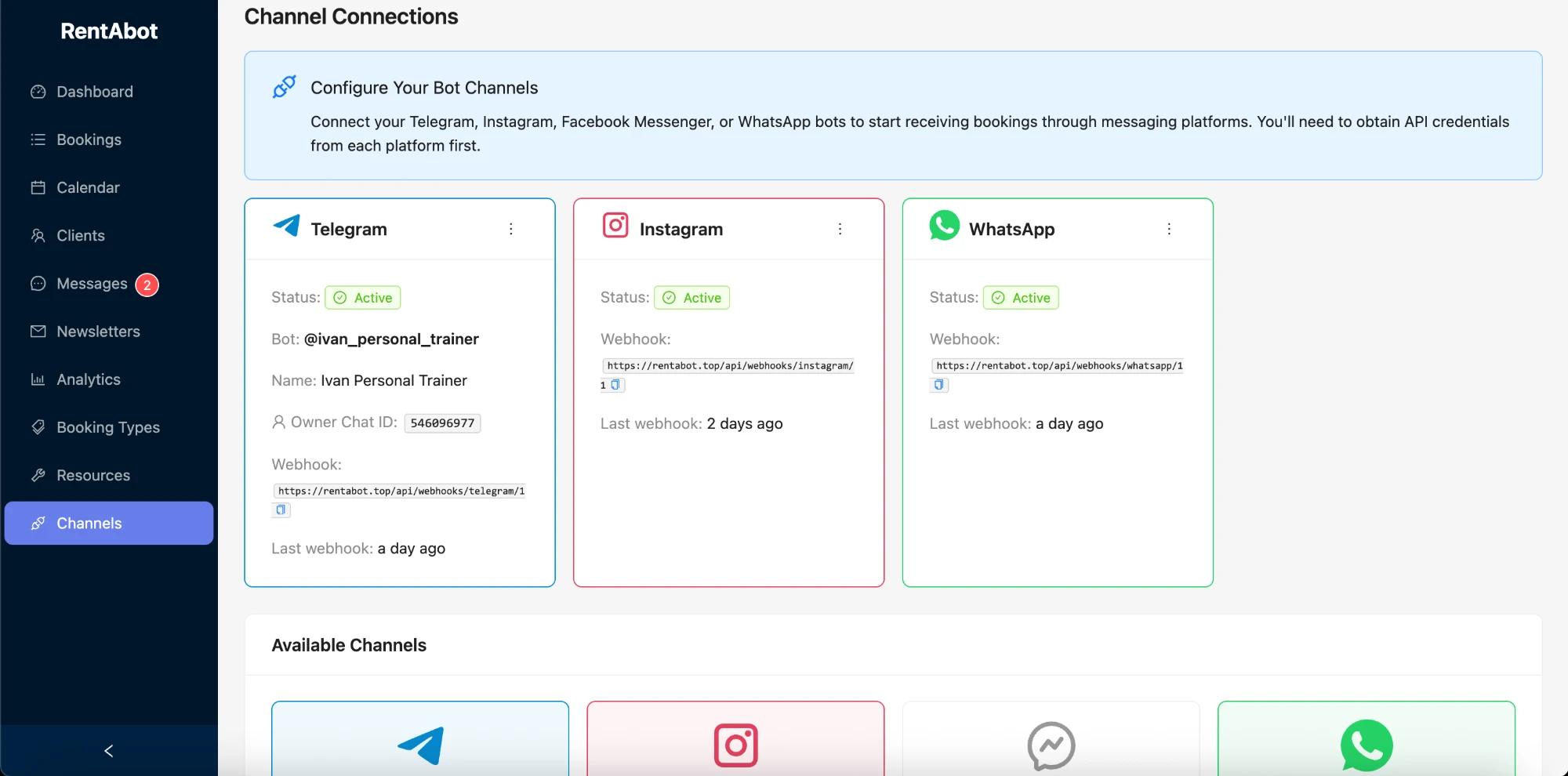
- See what works. The Analytics page in RentABot shows bookings by channel, so you can see which link brings the most clients.
All four channels are included on the free plan. Start free, connect your first channel and put your link in three places today: your Instagram bio, your Google profile and a QR code by the till.
Comments
No comments yet. Be the first to share your thoughts or ask a question.