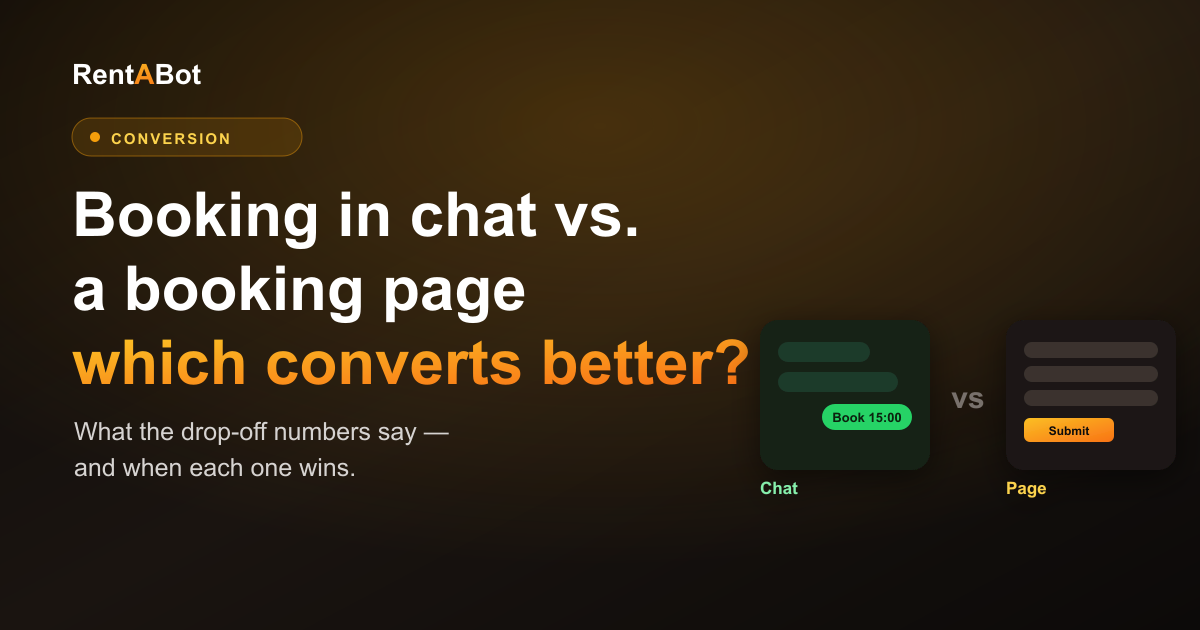
If you take appointments online, you've probably got a booking page — a link that opens a form where clients pick a time and fill in their details. It looks professional and it works. But here's the quiet problem: every step between "I want to book" and "I'm booked" loses some people. And a booking page has more steps than you'd think.
Booking in a chat app is the newer option. Instead of sending clients to a page, they message you — on WhatsApp, Telegram, Instagram or Messenger — and book right there in the conversation. So which one actually gets more bookings? Let's be honest about both.
Where a booking page loses people
A booking page isn't one step — it's a chain of them, and people fall off at each link:
- The click away. They have to leave where they are (your Instagram bio, a post, a message) and open a new page. Some never make the jump.
- The load and the look. A slow page, or one that feels clunky on a phone, and they're gone.
- The form. Name, phone, email, service, notes — every field is a small reason to give up. Form abandonment is one of the most studied drop-offs online for a reason: the more you ask, the fewer finish.
- The dead end. If they have a question — "can you do earlier?", "do you take card?" — a static page can't answer. They leave to ask, and often don't come back.
None of these are huge on their own. Together, they're why a page that gets plenty of visits can still produce surprisingly few bookings.
Why chat tends to convert better
Booking in a chat removes most of those drop-off points:
- No jump. People are already in WhatsApp or Instagram all day. One tap on your link opens a chat they already trust — no new page, no new tab.
- No form wall. Instead of facing ten empty fields at once, they answer one friendly question at a time. It feels like texting, not filling out paperwork.
- Questions get answered. "Do you have anything Saturday morning?" gets a real answer in the same thread, so a hesitation becomes a booking instead of a bounce.
- The thread stays. The conversation — and the confirmation and reminders — live in an app they open every day, so they actually see them.
There's also a trust effect: messaging apps have far higher open and response rates than email, so your confirmation and reminder don't get lost. That's a big part of why chat bookings tend to show up.
When a booking page still wins
This isn't one-sided. A booking page is the better choice when:
- You need a lot of information up front — detailed intake, multiple attendees, structured forms, documents. A page handles that better than a back-and-forth chat.
- You're capturing search traffic. A page is something Google can index and rank, so people searching for your service can land and book. (A good setup uses the page to catch them and chat to close them.)
- Your audience is desktop-first — some B2B and corporate bookings happen on a laptop, where a clean page can feel more natural than a phone chat.
- You want a fixed, branded flow that looks identical for everyone, every time.
You don't actually have to choose
The best answer for most small businesses isn't "page" or "chat" — it's using each where it's strong. Let your page do the SEO and the detailed intake; let chat be the one-tap option everywhere people already are — your Instagram bio, your posts, your Google profile, your WhatsApp link. Give people the path with the least friction for where they're standing, and more of them finish.
That's the idea behind RentABot: clients book right inside the chat app they already use — no new page, no app to install, no form wall — and every booking still lands in your calendar automatically, with confirmations and reminders sent in the same thread.
Want to see how it feels? Start a free 14-day trial and turn your messaging apps into a booking desk. Not sure where to start? The overview guide walks through the whole thing.